
Introducing Clickable Links
Until now, links in presentations were mostly visual. With this update, embedded links can be interacted with directly, making it easier for viewers to explore resources, open demos, or follow along.
How it works
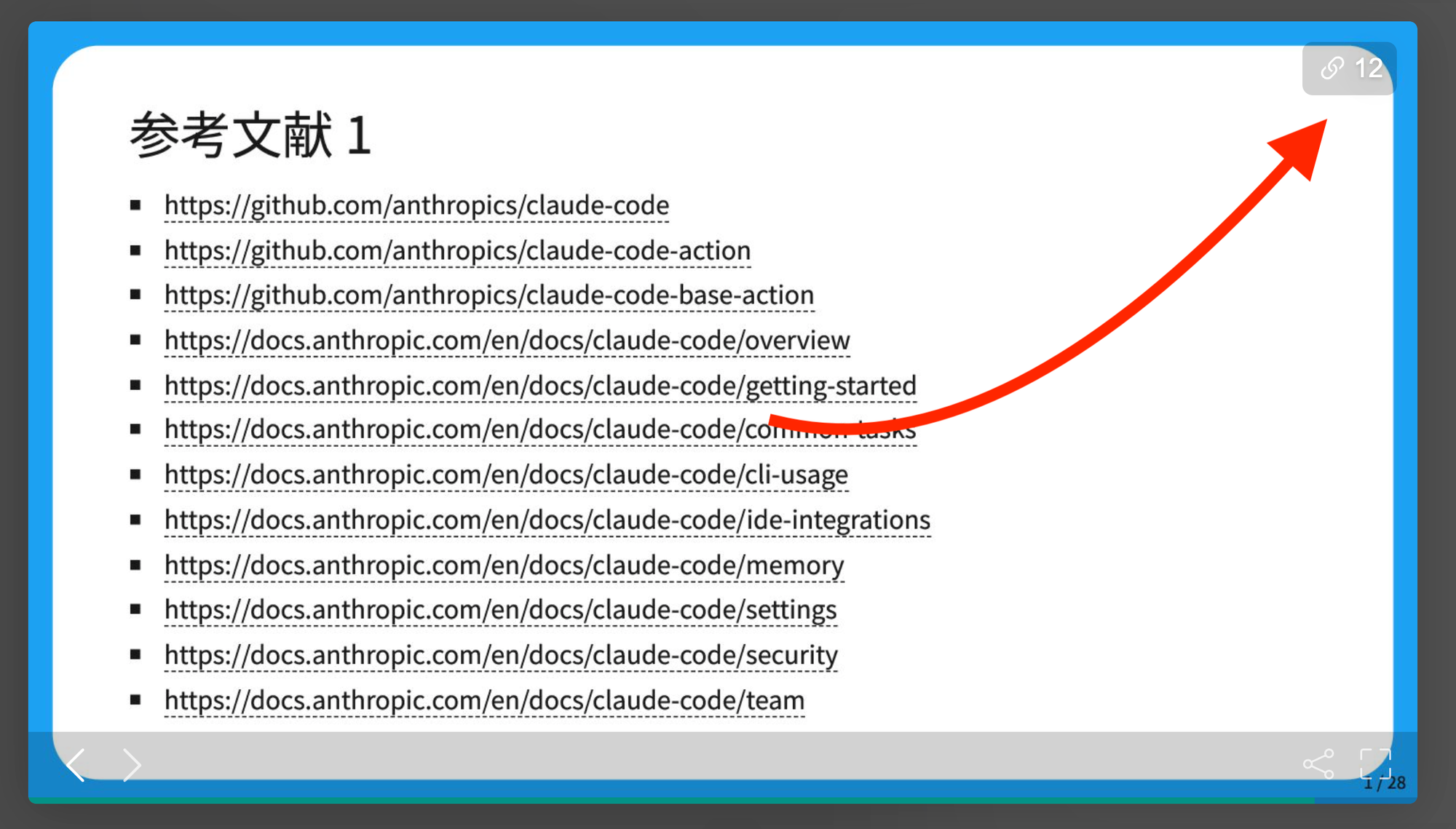
When viewing a deck, you’ll notice a link icon in the upper-right corner of the viewer.
- Click the link icon to activate links
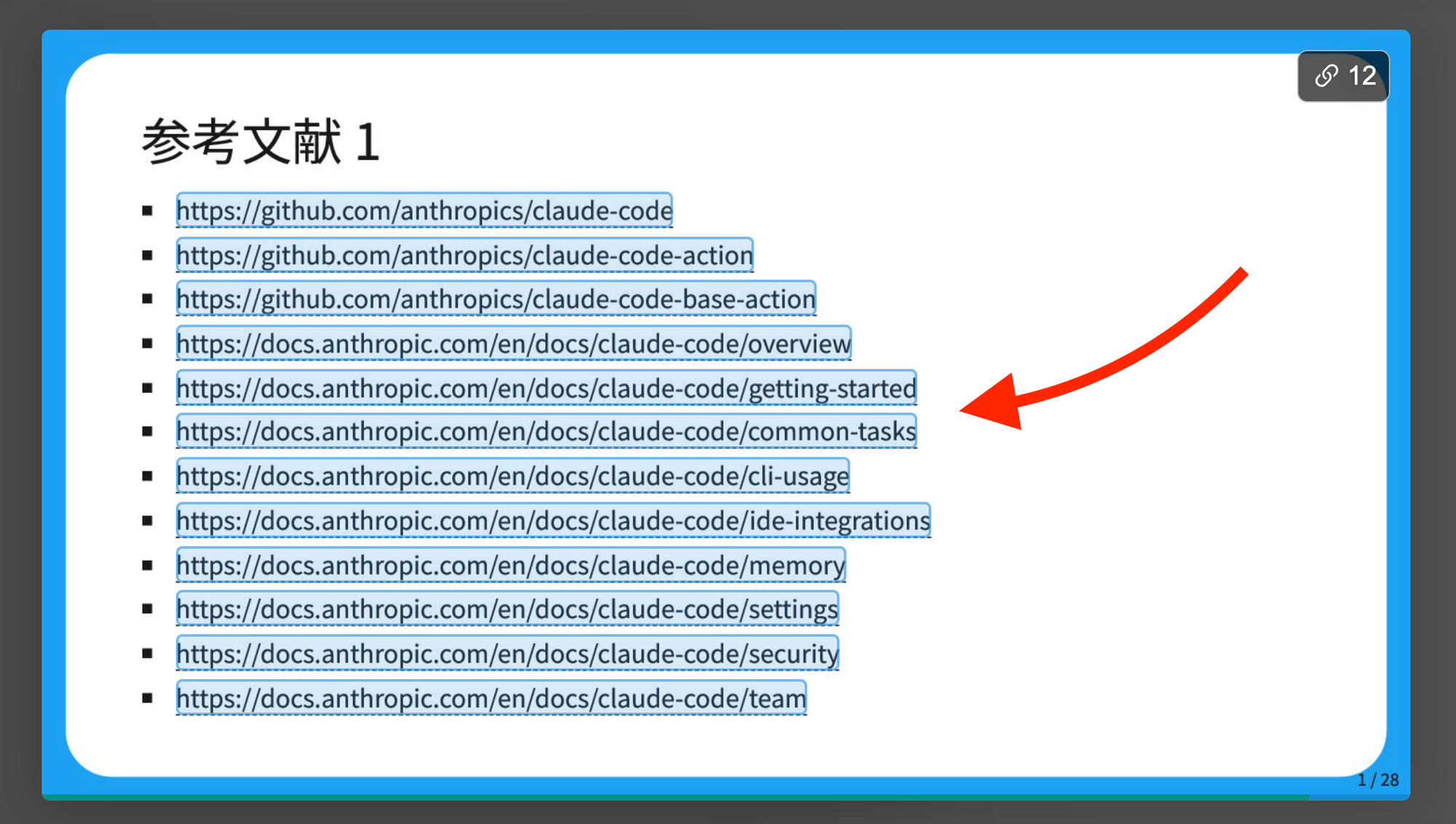
- All embedded links in the deck will become highlighted
- You can click a link to open it, or copy it for later use
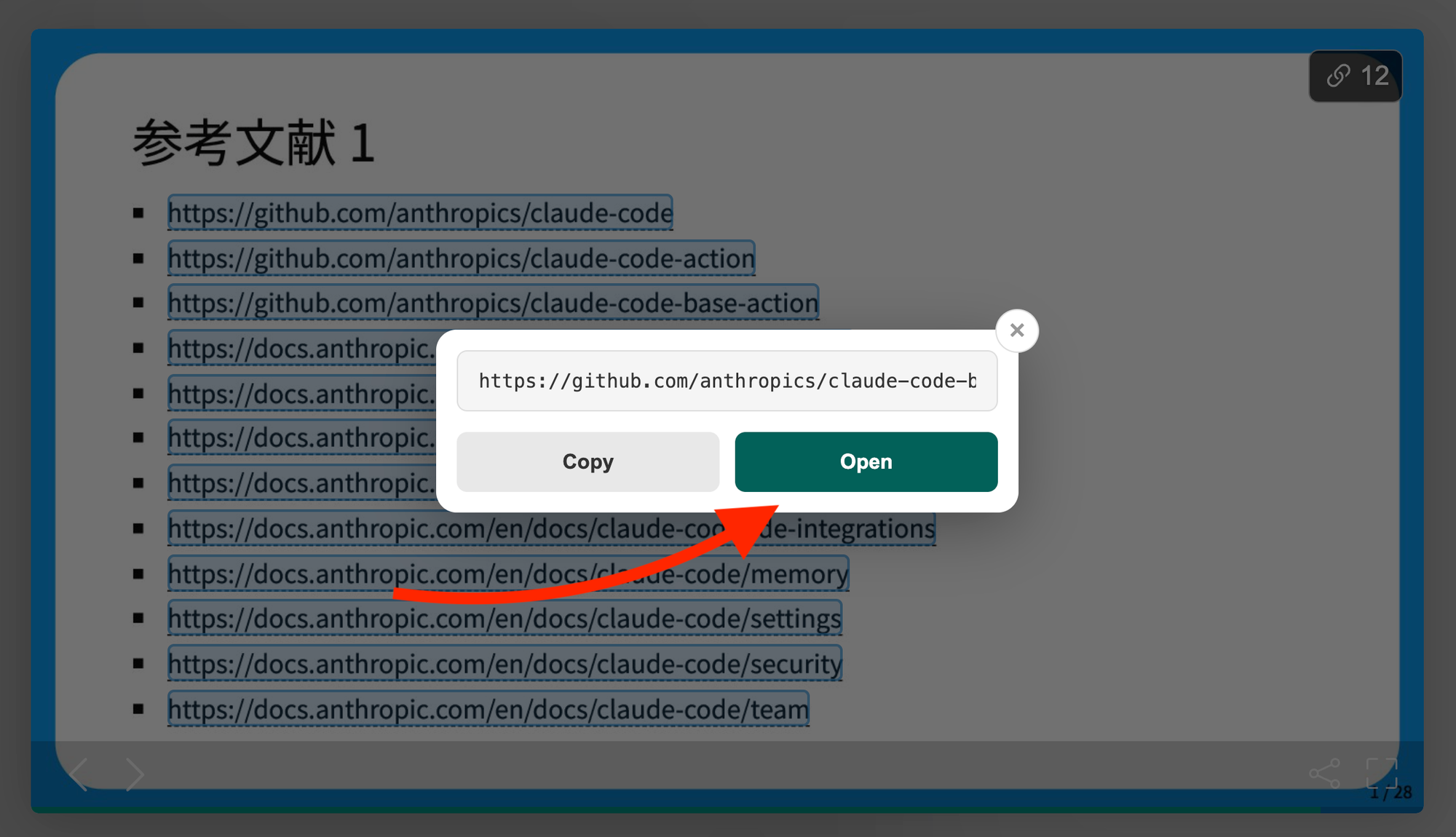
While link mode is active, the deck will not advance forward or backward. This is intentional, so you can safely interact with links without accidentally changing slides.
When you’re ready to continue presenting or browsing:
- Click the link icon again to turn link mode off
- Normal slide navigation will resume
Why this matters
Clickable links make Speaker Deck presentations more interactive and more practical. Whether you’re sharing a case study, a product walkthrough, or a conference talk, viewers can now easily jump to supporting content without breaking their flow.
This is especially helpful for:
- Educational decks
- Product demos
- Conference presentations
- Storyboards and portfolios